CLZ Movies to Arkiv: How to Move Your Collection
I signed up for CLZ Movies to see what everyone was talking about, then went looking for the export. It isn't in the app. What the app gives you is a backup file only CLZ can read.
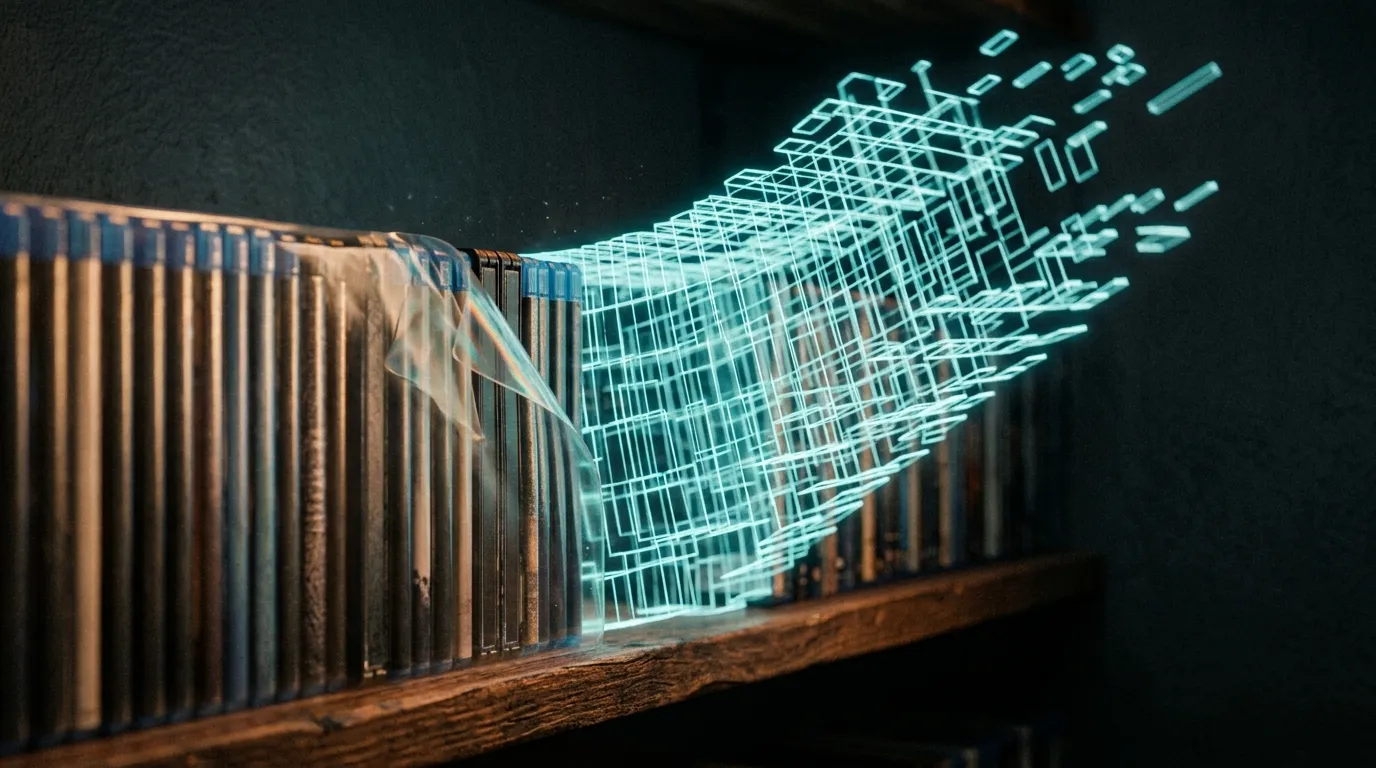
The CSV import started as a request. More than one person asked whether they could bring a collection in from a spreadsheet instead of typing it all again, which is a completely reasonable thing to want and a slightly demoralizing thing to be asked repeatedly. So we built it.
Then someone mentioned they'd found Arkiv while looking for an alternative to CLZ Movies.
That sentence did more work than it should have. If people are actively searching for a way out of CLZ, the least I can do is make sure there's a door. And I couldn't write that door without knowing what was on the other side of it, because I have never been a CLZ user.
I was a My Movies user, and for a long time a happy one.
I paid for it. Version 3, which I liked. The barcode scanner worked properly, and if you've ever tried to catalogue a few hundred discs by hand you'll know that isn't a small thing. Flip the case over, point the phone at the barcode, and it finds the disc. The collection grows without becoming a second job. That's the entire ask, and it delivered for years.
Then version 4 arrived, discounted for existing users, and I bought that too, because I was a satisfied customer and that is what satisfied customers do.
Then things got strange. I am still not sure my collection ever migrated to version 4 properly. I may have carried on using version 3. I may have been on 4 the whole time. I genuinely do not know, which is its own kind of answer: I had paid for a product twice and could not tell you which copy of it was holding my data.
Late in 2025 I opened it and my collection was gone. Empty.
I wasn't angry. I keep returning to that, because I expected to be angry and I simply wasn't. I was disappointed. I had paid twice, I had done the work of entering the titles, and it had quietly failed me. There was nobody to be furious at. There was just an empty screen where years of evenings used to be.
Arkiv exists because of that screen.
Which is why someone telling me they're shopping for a way out of a product doesn't land on me as a competitive threat. So I signed up for CLZ to see what everyone was talking about.
Two impressions, and the first one is genuinely complimentary.
These people know this problem cold. CLZ has been at this for decades. The metadata is deep, the barcode scanning is properly good, and it handles things I haven't gotten to yet. If working through a tall stack of cases at speed is the thing you care most about, CLZ still has me beat, and I'd rather tell you that than have you find out.
The second impression is harder to put politely, so I'll put it gently: it feels like software that has been carefully maintained through every interface era since the click wheel. Everything is in there. Everything is right there, all at once, in a slightly smaller font than you were hoping for. I came away with real respect for how much it knows, and no particular desire to spend an evening looking at it.
That contrast is most of why I'm still building Arkiv. Not because the data model is more clever. Because a collection is a nice thing to own, and looking at it should feel like something.
Anyway. I added titles, filled in the fields like a normal person, and went to export.
The export is not in the app.
What the app hands you is a backup file. XML, structured for CLZ to read back into CLZ, fluent in exactly one language. A spreadsheet won't open it usefully and neither will anything else, and if you were mildly curious about leaving, this is the moment the curiosity ends. Not because you decided anything. Because step one didn't work and there was no obvious step two.
The good news is that CLZ does have a CSV export, it's free, and it just lives on the web instead of on your phone. Once you know that, the wall is a door with the sign on the wrong side.
In the CLZ Movies app, sync your collection to CLZ Cloud so the web side can see it.
In a browser, open your collection on the CLZ Cloud web page and sign in with the same account.
Choose Export to CSV / TXT.
On the CSV tab: Field Delimiter Comma, Field Enclosure Double Quote, and turn on Include Field Names as First Row.
Generate the file and download it.
Pick comma. A semicolon export is still a perfectly good file, it just won't map cleanly coming in, and you'll spend the time you saved wondering why every row is one long title.
One column does more work than the others, and it's Format.
CLZ lets you choose which columns come out, so there's no fixed shape to the file, and Arkiv reads whatever you send it. But a title with no format isn't a Blu-ray or a 4K or a DVD. It's a rumor, and Arkiv won't guess at it. If you're like most collectors, format is the whole reason you started cataloguing in the first place and it's already filled in, so this costs you nothing. If a handful of titles are missing one, they'll wait in the review step on the way in and you set the format there with a tap. Worth knowing in advance so a review queue doesn't come as a surprise.
Here's what actually comes across, including the parts that don't, because a migration post that only lists wins is a brochure.
Physical formats come across properly. Blu-ray, 4K UHD, 3D Blu-ray, DVD, HD-DVD, VHS, including some of CLZ's older label spellings.
Titles with a format go straight in. Arkiv works out the columns on its own, shows you a confirmation screen so you can see what it read before anything is committed, and creates a copy for every title it matched confidently. Anything without a format goes to review rather than being guessed at, because guessing is how you end up owning a 4K of something you have on VHS.
Purchased digital titles come across, and remember where you bought them. iTunes, Vudu, Google Play, Amazon, Microsoft, PlayStation, Movies Anywhere. It imports as a digital copy with the store recorded as where it came from.
Streaming-only titles don't come across, and that's deliberate. Netflix, Hulu, Disney+, Roku, YouTube tags go to review rather than being filed as things you own, because you don't own them. Importing them would inflate your collection count into a work of fiction, and you can already do that verbally.
Box sets import as individual copies. CLZ stores one row per film, so your numbers come over honestly, which is more than can be said for how I describe the size of my collection out loud. Grouping several of those titles under a single box set in Arkiv isn't automatic yet, so that part is still on you.
Two things worth a glance. CLZ's Release Date is usually a bare year, which reads fine as a year. The titles most worth spot-checking afterwards are the obscure ones, the foreign ones, and anything that goes by a different name depending on the region.
Someone brought 511 titles across on their first day. I would like to tell you I was calm about that.
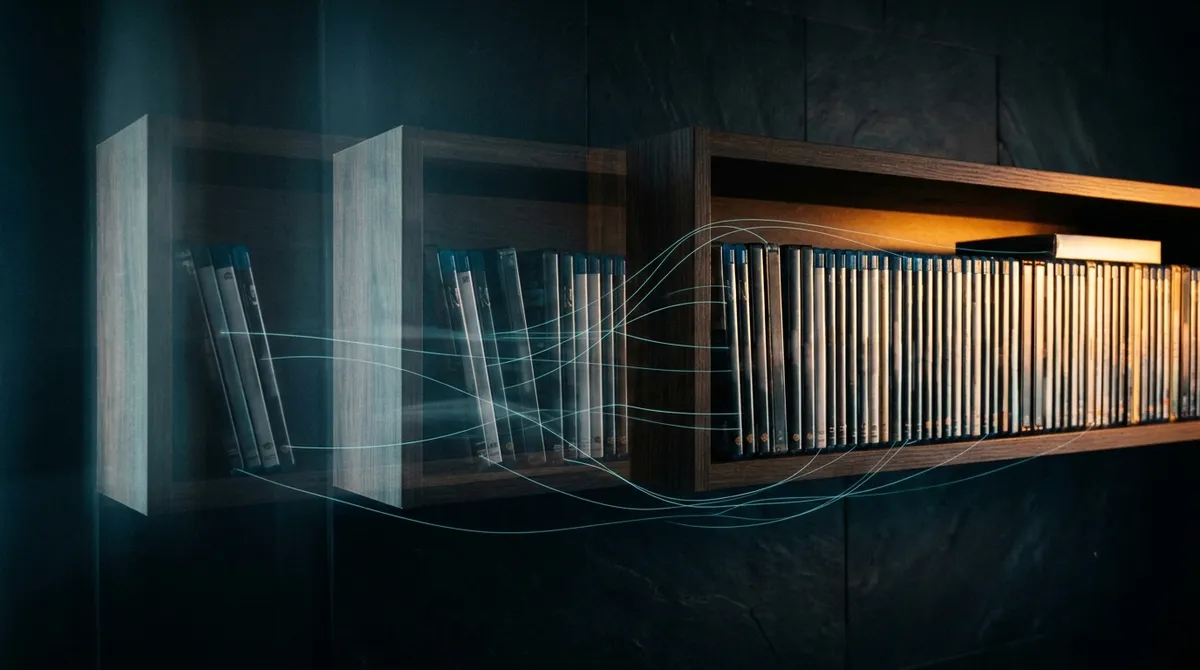
Here's the part I actually think matters, and it isn't the export.
An inventory is a commodity. A list of what you own isn't hard to build and it isn't hard to rebuild, and every product in this category can hold one. If a list is all you want, stay where you are and I won't be offended.
But a list is a photograph of one afternoon. It can't tell you that you bought Aliens three times across three formats and swore each one was the last. That there was a year you went deep on horror and then quietly stopped. That the shape of your shelf now isn't the shape it had five years ago, and that the drift between those two shapes is the most interesting fact about you as a collector.
That isn't inventory. That's a history, and it's the part nobody else can replicate, because it isn't a list of objects, it's the record of a person accumulating them.
It's also the part I actually lost. When that screen came up empty, the titles were the smaller loss. Titles I could re-enter, painfully, with a scanner and a free weekend. What I couldn't re-enter was the order I bought them in, the year I went deep on one thing and then drifted, the shape the shelf had years ago against the shape it has now. None of it was in a backup, because I had never thought of it as data. It was just gone.
So that's what Arkiv is built to keep. Not only the count of what's on your shelf, but the shape of how it got there: what arrived when, how your taste moved, what the collection looked like a year ago against today, and where the whole thing appears to be heading. The inventory is table stakes. The history is what I wanted back and couldn't buy at any price, so I built somewhere for it to live.
Which makes the practical advice this: whatever you're using, including mine, go and open the export screen before you have years in it. Not because you're leaving. Because a catalogue you can't walk out of isn't a record of your collection, it's a record of your collection that somebody else is holding.
And you don't get to choose when you find out which of the two you had. I found out on an ordinary evening, opening something I'd paid for twice, with no reason to expect anything was wrong.
Arkiv is a platform for tracking your physical media collection: formats, shelves, box sets, lending, and what you actually own across all of it. It'll take a CSV from somewhere else. And it keeps the history rather than just the count, so your collection becomes something with a shape and a story instead of a number, with a few genuinely good things waiting to be uncovered as it grows.
0 Comments
Sign in to join the discussion.